
Artwork guide
Artwork guidelines: get your files print-ready
Good artwork prevents most print problems, and these artwork guidelines show you how. Use this guide to check file types, resolution, bleed, colour and fonts before you upload. If your files are not quite there, we can fix or recreate them, quoted separately.
- Accepted file formats
- 300 dpi and 3 mm bleed
- Help available
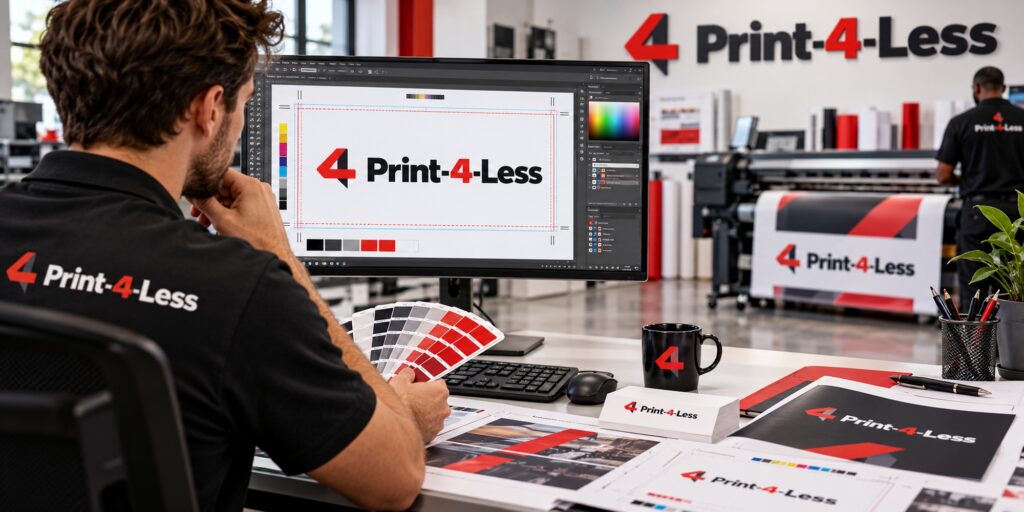
Accepted file formats
| Format | Type | Best used for |
|---|---|---|
| Vector or mixed | Almost everything; the preferred print-ready format | |
| AI, EPS, SVG | Vector | Logos, signage, garments, stickers |
| CDR | Vector | CorelDRAW artwork, signs and decals |
| PSD, TIFF | Raster | Photos and layered designs |
| PNG, JPG | Raster | Photos; transparent PNG for garments |
| ZIP | Archive | Bundling files and linked fonts or images |
You can upload up to five files of 25 MB each on the quote form.
Following these artwork guidelines avoids extra proof rounds.
Vector or raster, and resolution
Vector files are built from shapes and scale to any size without losing sharpness, so they are ideal for logos. Raster files are made of pixels and must have enough of them for the size you are printing.
For printed paper items, images should be 300 dpi at final size. A small web logo stretched onto a poster will look soft whatever the printer does. Large-format work such as banners is viewed from further away, so lower resolution can work, but supply the largest file you have and avoid enlarging screenshots.
Bleed, safe zone and colour
If a design runs to the edge, extend the background or image 3 mm beyond the trim line (bleed), and keep important text and logos at least 3 mm to 5 mm inside the edge (safe zone). That way a small cutting variance does not clip your content.
Design for print in CMYK. Screen colours (RGB) are brighter than ink can reproduce, so printed colours may look duller. Where an exact brand colour matters, give us the Pantone or reference and expect some variance between processes and materials. Convert fonts to outlines, or include the font files, so text does not change when we open your file.
Artwork for garments and large format
For garment printing, send vector artwork or a high-resolution transparent PNG, sized at or near the real print size. Avoid white boxes behind logos. Tell us the placement, such as left chest or full back, and the garment colour, since light designs on dark fabric may need adjusting.
For banners and signs, design at a proportional scale of the final size and keep text large and simple. Fine detail disappears at distance. Ask us if you are unsure about the right scale.
Uploading and getting help
Attach files to your quote request, or email them if they are too large. Not sure if your file works? Send it anyway and we will tell you what needs fixing. Artwork tidy-ups, redrawing logos and full design work are available and quoted separately from printing, so you always know what you are paying for. Prefer starting from scratch? Ask about our design services.
If anything in these artwork guidelines is unclear, upload the file and we will check it.
Explore
- Request a QuoteShare your requirements and artwork to receive a written quote.View
 How It WorksThe ordering process from brief and quote to artwork approval, production and collection.View
 Graphic and Logo DesignLogo design and redesign, print layouts and digital graphics prepared print-ready for cards, signs, apparel and packaging.View
 T-Shirt PrintingCustom T-shirts using DTF, screen printing, DTG or sublimation, chosen to suit your quantity and design.View
Files ready? Upload them with your quote request.
Send your brief, quantities and deadline. We reply with a clear written quote and confirm the turnaround before anything goes to production.